
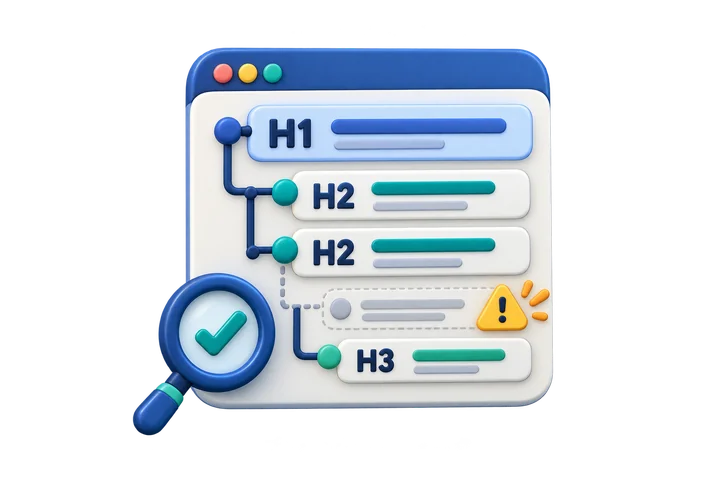
Native H1–H6 order, upward level jumps, apparent empty headings, and H1 counts.
SEO & search
Free heading structure checker for H1-H6
Paste HTML or enter an H1–H6 list to see the page's heading outline. Spot skipped levels, empty headings, and repeated H1s. Pasted markup is not executed, and this structure check covers only one part of accessibility.
- Runs in your browser
- HTML is never executed
- No SEO or compliance score
Step 1 · Add the page structure
Choose how to enter it.
Paste a full document or fragment. Only native H1–H6 elements are read.
130 characters200,000 maximum
Your page is not fetched or uploaded. Resource URLs are removed before the browser reads the inert markup, and scripts or styles are never run.
Step 2 · Review the structure
Heading outline
Example analyzed: 4 headings and 1 item needs attention.
- Headings
- 4
- H1 headings
- 1
- Findings
- 1
Page order
Indentation reflects the literal H1–H6 level, not visual font size.
- H1Website accessibility guide
- H2Getting started
- H4Keyboard testing
- H2Next steps
Findings
Structural checks are separated from decisions that need page context.
- Needs attention: Heading level jumps from H2 to H4
Heading level jumps from H2 to H4 at “Keyboard testing”. If this starts a deeper subsection, add an H3 or adjust the level.
No score is shown. Read the outline on its own and compare it with the rendered page. Heading wording, visual hierarchy, and whether the sections make sense require human judgment.
What this check means
Structure is useful. Context still matters.
Headings communicate how sections relate and give people who use assistive technology a fast way to navigate. Moving from H2 directly to H4 can make a new subsection harder to understand, while moving from H4 back to H2 can be perfectly normal because it closes the deeper subsection.
Whether each heading is descriptive, matches the visible page, and reflects the intended sections.
Not an HTML validator or certification
The result does not inspect CSS, dynamically rendered components, shadow DOM, visually heading-like text, or full accessible-name computation. It cannot certify WCAG conformance or predict search performance.
Primary sources
Guidance you can verify.
Reviewed August 22, 2026. The checker separates W3C structural guidance from Google Search claims and labels contextual decisions for human review.